New User Guide, Big Improvements, and a 50% Off Sale
Hi everyone,
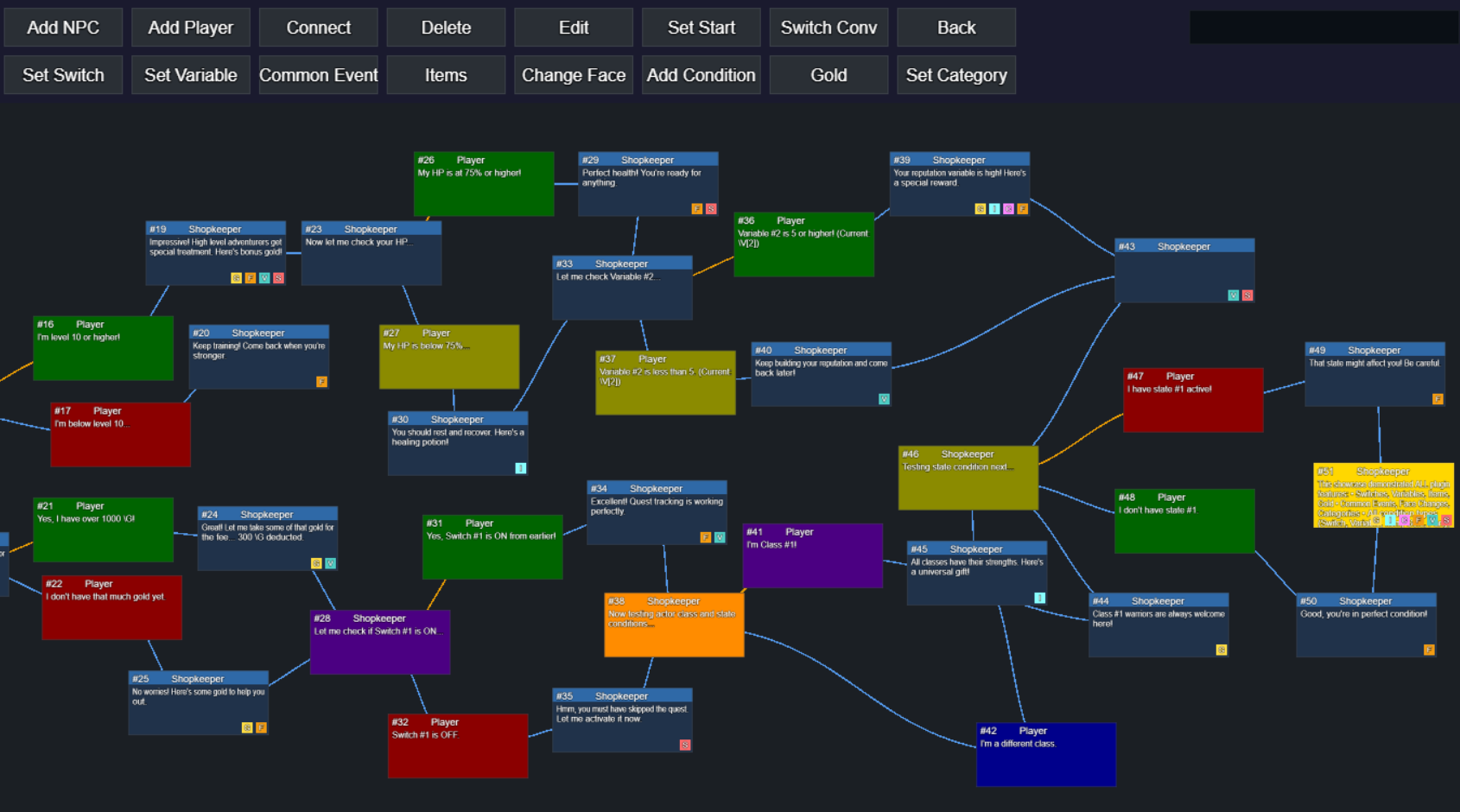
I wanted to share a big update for Visual Dialogue Branches. A complete User Guide is now available to help you get started quickly and make the most out of the editor. It covers everything from basic setup to multi bust scenes, conditional branches, item management, and more. If you have been waiting for clear documentation, this is the one to bookmark.
The User Guide is available for free so you can consult it before buying the plugin and see if it's for you.
Alongside the guide, the 1.1.3 update for MZ includes major fixes and stability improvements to the multi bust system. Multi busts now follow the same default positioning rules as single busts, offsets behave consistently, and sprites no longer break when scenes change or nodes switch between single and multi bust modes. Busts clean up correctly, reappear when expected, and handle visibility the same way across all dialogue paths. These changes make portrait heavy conversations far more predictable and reliable.
To celebrate the new documentation and all the improvements, Visual Dialogue Branches is 50 percent off for a limited time. If you have been thinking about adding a visual dialogue editor to your project, now is the best time to jump in.
Thanks for all the feedback and support. Feel free to reach out at bitqueststudio@gmail.com
if you need help or want to suggest features.
Files
Get Visual Dialogue Branches for RPG Maker MZ/MV
Visual Dialogue Branches for RPG Maker MZ/MV
A fully visual dialogue system for RPG Maker.
| Status | Released |
| Category | Tool |
| Author | BitQuest Studio |
| Tags | RPG Maker, RPG Maker MV, RPG Maker MZ |
More posts
- Visual Dialogue Branches v1.1.2: Multiple Bust Support5 days ago
- Changelog v 1.1.112 days ago
- Massive Update to Visual Dialogue Branches50 days ago
- A Walkthrough Video is Now Available!52 days ago
- Visual Dialogue Branches Now Available for RPG Maker MV!52 days ago
- Finally, a Visual Dialogue Editor for RPG Maker53 days ago